
Understanding Live-Streaming Video Production
Live-streaming video production has emerged as a vital tool for businesses, organizations, and event organizers seeking to engage audiences in real-time. This process involves capturing live footage, integrating visual and audio elements, and broadcasting the content through digital platforms to viewers across various locations. Unlike pre-recorded videos, live streams foster immediate interaction, enabling brands and hosts to connect more directly with their audiences.
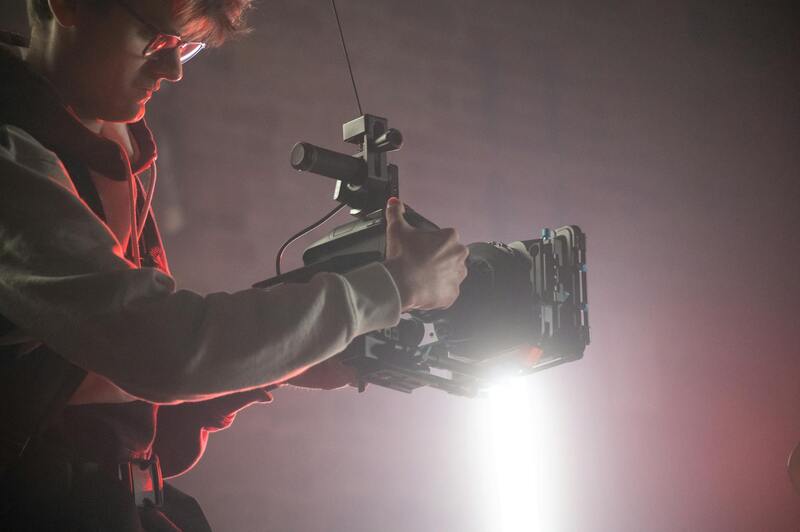
In the dynamic landscape of Miami’s vibrant business community, live-streaming offers a unique opportunity to extend reach beyond physical limitations. Whether promoting a new product, broadcasting a corporate event, or hosting a virtual conference, live-streaming allows for a seamless and immersive viewer experience. It enhances brand visibility, generates real-time feedback, and provides measurable analytics that can inform future marketing strategies.
For local events such as galas, sports tournaments, or community gatherings, live-streaming ensures inclusivity and boosts attendance by reaching remote audiences. For Miami companies, utilizing professional live-streaming video production services ensures the broadcast maintains a high standard of visual and audio clarity, critical for maintaining viewer engagement and building credibility. With the growth of social media platforms and increasingly sophisticated streaming technologies, establishing a robust live-streaming presence has become essential for staying competitive in today’s market.
Investing in a professional live-streaming video production process involves meticulous planning, technical expertise, and strategic execution. Quality production not only enhances viewer experience but also helps reinforce brand authority and fosters long-term audience loyalty. As businesses continue to adapt to digital-first interactions, understanding the core principles and effectiveness of live-streaming will remain a fundamental aspect of modern content delivery.
In summary, live-streaming video production is more than just broadcasting; it is a comprehensive process that combines technology, creativity, and strategic planning. For Miami-based enterprises and event organizers, mastering this medium translates into increased visibility, engagement, and competitive advantage, positioning them at the forefront of digital communication.
Essential Equipment for Live-Streaming
Equipping a professional live-streaming setup requires a combination of high-quality hardware that ensures seamless transmission and superior viewer experience. The core components include cameras capable of capturing high-definition video, professional-grade microphones for clear audio, and reliable streaming hardware that supports the desired broadcast quality. Modern live-streaming production demands tools that can handle multi-camera setups, enabling diverse angles and dynamic presentation dynamics that keep audiences engaged.
For effective live streaming in Miami, it is crucial to invest in equipment that is not only top-tier but also compatible with the latest streaming technologies. Video switchers allow seamless transitions between camera feeds, overlays provide branding and informational graphics, and audio mixers ensure sound clarity and balance across multiple sources. Additionally, encoders—either hardware-based or software-based—are vital for compressing and transmitting live feed to streaming platforms.
High-quality internet connectivity is fundamental, requiring dedicated bandwidth and often redundant connections to prevent stream interruptions. Use of wired Ethernet connections is preferred over Wi-Fi to ensure stability, especially for high-profile events or crucial broadcasts. Furthermore, employing backup equipment like additional microphones, cameras, and power supplies safeguards against technical failures that could compromise the stream.
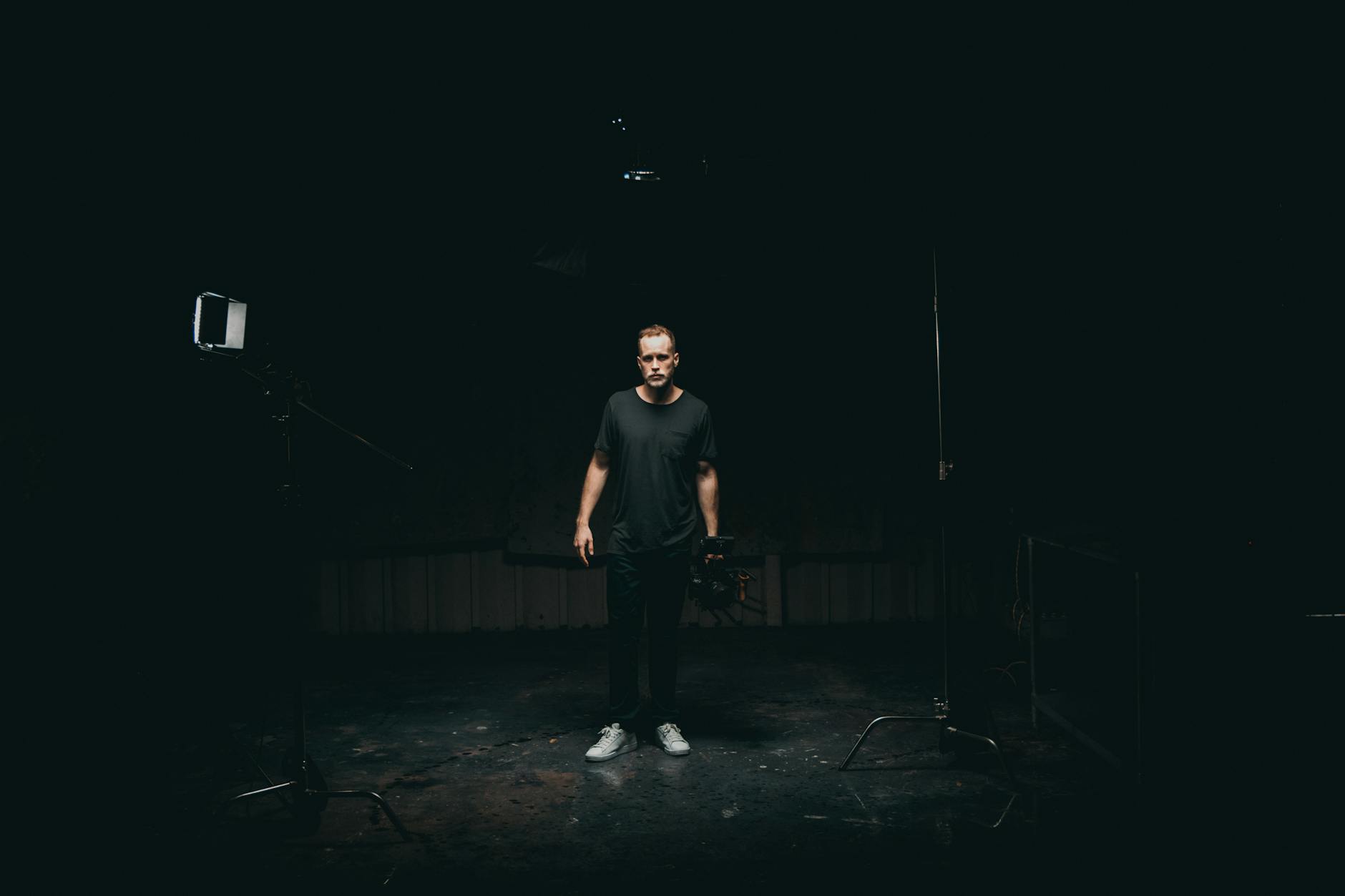
Technical Setup and Configuration
Setting up a live-streaming environment involves meticulous configuration to optimize performance and reliability. The process begins with establishing a dedicated network with high bandwidth capabilities, ensuring minimal latency and buffering during broadcasts. Network configuration includes Quality of Service (QoS) settings to prioritize streaming traffic, preventing interruption from other internet activities.
The selection and calibration of cameras are pivotal—professional-grade units with manual controls for focus, exposure, and white balance produce vivid, consistent visuals. These cameras are usually connected to video switchers, allowing seamless switching between multiple sources or angles. Audio components must be equally prioritized; microphones need to be positioned accurately, and audio mixing devices should be configured to maintain clarity and prevent feedback.
Obtaining the correct encoding settings is essential for a stable stream. Hardware encoders are preferred for their robustness, particularly in large-scale or high-resolution broadcasts. Software encoders, integrated into streaming software, offer flexibility for smaller productions but require sufficient processing power.
Once all hardware is in place, setting up the streaming platform parameters involves inputting stream keys, server URLs, and configuring bitrates aligned with the available internet bandwidth. A thorough test run is recommended to verify all elements work harmoniously, allowing adjustments to be made before the live event.
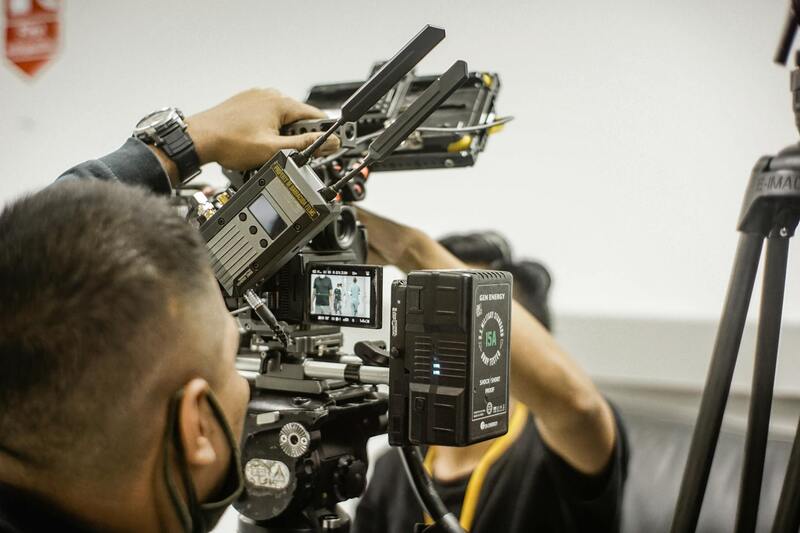
Execution and Live Management
The real-time broadcast phase demands vigilant oversight and adaptive management. During the live event, operators monitor the stream's technical health—checking video and audio signals constantly to intercept issues early. Coordination between camera operators, sound technicians, and on-screen talent is crucial to ensure a cohesive presentation.
Using a professional control center, a producer oversees transitions, overlays, and commentary cues, maintaining viewer engagement and brand consistency. Communication tools like headsets facilitate seamless coordination among team members, enabling quick responses to unforeseen issues or adjustments.
Audience engagement features such as live chat moderation or integrated polls enhance interaction and retention. For events with multiple camera angles or interactive segments, switching between sources needs to be smooth and unobtrusive, requiring skilled operators familiar with the technical equipment.
In addition to technical management, adherence to the content plan ensures the stream remains aligned with strategic goals. Backup plans—including alternative internet connections and pre-recorded segments—are essential to mitigate potential disruptions.

Technical Setup and Configuration
Establishing an optimal technical setup is fundamental to delivering a seamless live-streaming video production. The configuration begins with selecting high-quality equipment tailored to the scope and complexity of the event. Multiple professional-grade cameras should be strategically positioned to capture various angles, ensuring dynamic and engaging visuals. These cameras should be paired with reliable video switchers that allow for smooth transitions and real-time source selection, facilitating an immersive viewer experience.
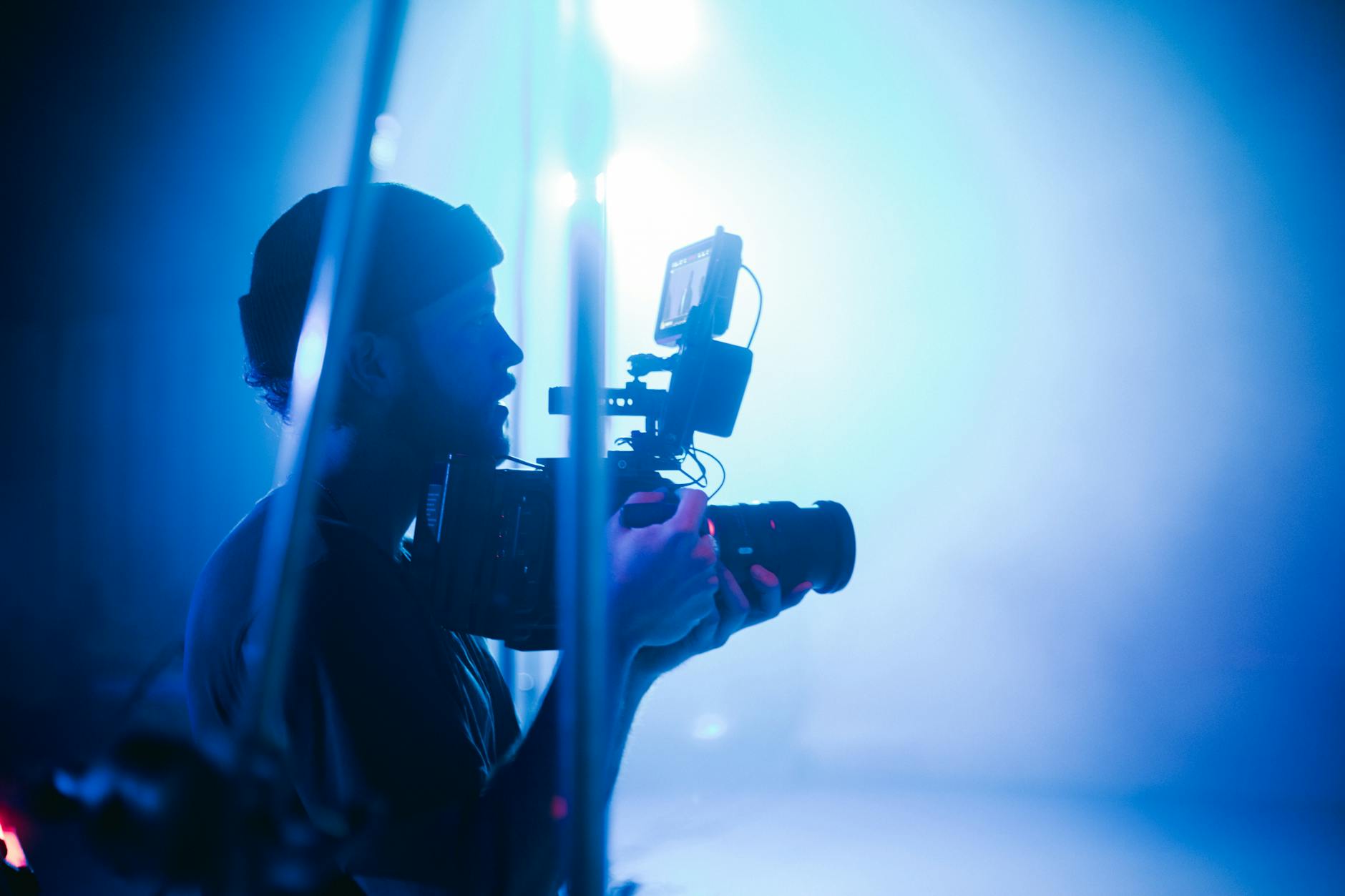
Audio quality is equally critical, requiring top-tier microphones—such as lavalier or shotgun microphones—paired with mixers that provide precise control over sound levels. Accurate audio synchronization with video feeds enhances clarity and viewer engagement.
Streaming hardware, including encoders or streaming appliances, must be selected based on bandwidth capabilities and the desired streaming quality. These devices convert raw video signals into digital data suitable for transmission over the internet. Reputable streaming platforms or custom servers process the feed, making it accessible worldwide.
Network stability is a cornerstone of successful live-streams. A dedicated internet connection with sufficient upload bandwidth minimizes lag and buffering issues. In Miami, where network congestion might vary, utilizing multiple internet sources—such as wired Ethernet, fiber optic connections, and cellular backup—is recommended to ensure continuous streaming. Quality routers equipped with load balancing and failover features can distribute traffic efficiently, maintaining stream integrity under fluctuating conditions.
Additional equipment includes monitors for real-time previewing, intercom systems for team communication, and lighting setups that optimize video clarity. Proper calibration and testing of all hardware components precede the live event, mirroring the rigorous checks performed during the planning phase.
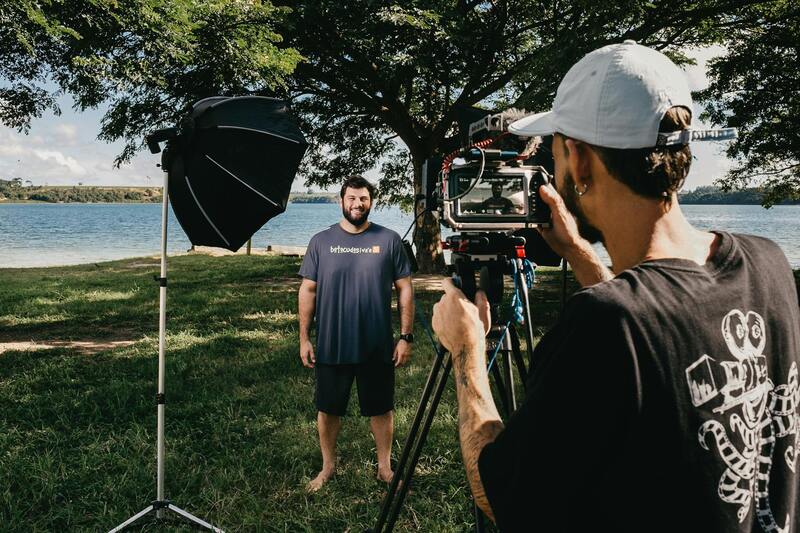
Implementing a comprehensive technical arrangement, covering all elements from video capture to internet connectivity, guarantees that the live broadcast not only looks professional but also maintains stability and performance throughout the event. Each component must be optimized to work in harmony, with contingency protocols ready to address potential technical failures swiftly and effectively.
Technical Setup and Configuration
Optimizing Internet Connectivity
For successful live-streaming video production, establishing a robust internet connection is critical. A dedicated, high-capacity upload bandwidth—preferably 25 Mbps or higher—ensures the stream’s continuous flow without interruptions. Miami’s network environment can vary; therefore, deploying multiple internet sources creates redundancy. This setup typically includes wired Ethernet, fiber optic connections, and cellular backup options. Load-balancing routers intelligently distribute traffic, reducing latency and preventing signal drops during the live event.
Encoding and Compression Settings
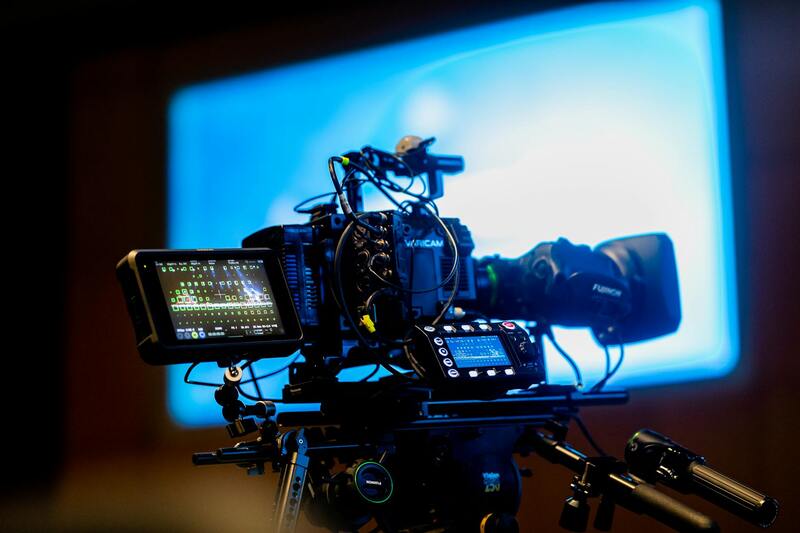
The encoder translates the raw video feed into a digital format suitable for streaming. Selecting the appropriate encoding settings is essential; this involves choosing the correct resolution, bitrate, and codec. For most live events, a balance between video quality and bandwidth consumption is necessary. H.264 remains a standard codec due to its efficient compression and compatibility across platforms. Configuring keyframe intervals and bitrate settings optimizes latency and stream stability, especially in high-traffic environments like Miami.
Camera Placement and Lighting
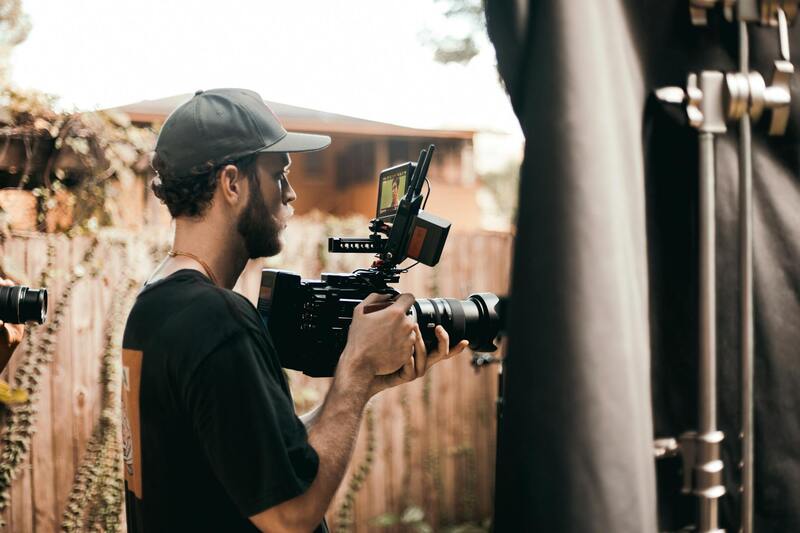
Strategic camera placement enhances the viewer experience by providing diverse angles and clear visuals. Combining wide shots with close-ups captures the event’s ambiance and details. Proper lighting setup, including key, fill, and backlighting, improves video clarity and color accuracy. Regular calibration ensures consistent image quality, particularly important when multiple cameras are used. In Miami, daylight conditions vary, making supplemental lighting vital for maintaining professional image standards during live broadcasts.
Audio Setup Considerations
Audio quality significantly impacts the overall production. Microphone placement must capture clear sound without interference. Utilizing wireless or wired microphones suited to the environment ensures audio fidelity. Mixing and monitoring the audio in real-time helps identify and correct issues immediately. In outdoor or dynamic settings typical of Miami, windshields and audio filters can minimize environmental noise, maintaining professional sound quality for viewers.
Stream Testing and Quality Assurance
Pre-event testing of all equipment and settings is mandatory. This process includes verifying internet stability, encoder configurations, camera angles, and audio clarity. Live tests simulate actual streaming conditions, helping identify potential issues that can disrupt the broadcast. Continual monitoring during the event allows technical teams to make real-time adjustments, ensuring a smooth viewing experience.
Execution and Live Management
Managing the Live Broadcast Effectively
Executing a seamless live-streaming video production requires meticulous coordination among all technical and creative team members. Continuous monitoring of the live feed is paramount to identify potential issues, such as audio dropouts, visual glitches, or connectivity problems. Having a dedicated control room or production hub facilitates real-time decision-making and swift responses to unforeseen technical challenges. Employing a multi-camera setup offers viewers a dynamic visual experience; however, it necessitates precise switching protocols to ensure continuity and engagement.
For optimal viewer engagement, it is crucial to keep the broadcast interactive when possible. Incorporating live chat moderation, audience polls, and real-time feedback sessions elevates the viewer's experience and fosters a sense of community. Assigning a dedicated team member to manage audience interactions ensures timely responses and maintains a professional atmosphere throughout the live event.
Handling Troubleshooting During Live Streams
Technical hiccups are inevitable in live productions, but preparedness minimizes disruptions. Common issues include internet connectivity failures, audio malfunctions, or hardware glitches. Establishing redundant systems, such as backup internet connections or spare equipment, provides safety nets for critical components. Having predefined troubleshooting checklists enables quick diagnosis and resolution of issues without compromising the broadcast quality.
Proactive communication is essential when unexpected problems arise. Informing the production team and, if necessary, the audience about ongoing issues helps manage expectations and maintains credibility. Skilled technical staff should possess extensive knowledge of streaming platforms, hardware configurations, and software troubleshooting techniques to address issues swiftly and efficiently.
Engaging the Audience Throughout the Broadcast
Maintaining viewer interest is key to a successful live-streaming event. Incorporate on-screen graphics, lower thirds, and branded visual elements to reinforce professionalism. Regularly updating viewers with behind-the-scenes insights or upcoming segments fosters anticipation and retention. Interactive features, such as live Q&A sessions and viewer polls, create a participatory atmosphere that increases engagement levels.
Utilizing social media integration allows immediate sharing and discussion, expanding the event’s reach. Designate team members to monitor social channels, respond to comments, and highlight viewer contributions, thereby enhancing community involvement and broadcast visibility.
Coordinating Multiple Camera Angles for a Cohesive Broadcast
The strategic handling of multiple camera sources requires seamless switching and framing to provide viewers with a comprehensive perspective on the event. Assigning an experienced director or switcher ensures smooth transitions between shots, maintaining narrative flow. Pre-planning camera cues and rehearsing transitions contribute to a polished presentation.
In live settings, real-time adjustments to camera angles can adapt to changing event dynamics. For outdoor or large-scale productions, remote camera operators and wireless transmission systems facilitate flexible positioning, capturing diverse viewpoints without compromising the broadcast's stability.
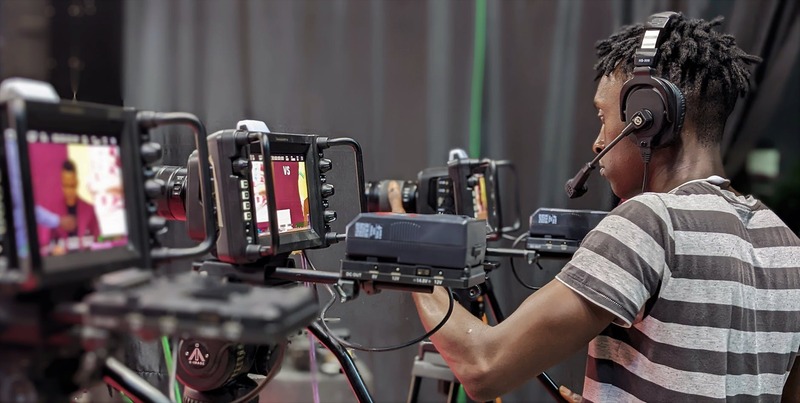
Regular communication between camera operators, directors, and audio engineers enhances coordination. Using intercom systems allows instant guidance and feedback. Establishing clear cues and cues helps streamline transitions, minimizing the risk of missed shots or technical issues, delivering a cohesive and professional live viewing experience.
Execution and Live Management
During the live streaming process, meticulous execution is essential to ensure a seamless broadcast that maintains viewer interest and upholds a professional standard. A dedicated team must monitor all technical aspects, including audio clarity, video quality, stream stability, and viewer engagement metrics in real time. Implementing an effective communication system among team members—such as intercoms or instant messaging platforms—facilitates quick responses to emerging issues, enabling live troubleshooting without noticeable disruptions.
An experienced director or technical director plays a pivotal role in overseeing the entire broadcast, making real-time decisions that influence the flow and visual storytelling. They coordinate camera switches, overlay graphics, and audio levels to align with the event’s rhythm. Employing a well-rehearsed plan for cueing camera changes and graphic insertions helps in reducing errors and ensuring transitions appear natural and professional.
Equally important is managing the technical environment, such as streaming bandwidth, encoding settings, and server stability. Linking multiple sources—cameras, microphones, and graphic feeds—requires streamlined integration to prevent lag or loss of data. Regular communication between the technical crew, including camera operators, audio technicians, and streaming coordinators, ensures a synchronized effort leading to a high-quality live experience.
Utilizing Multiple Camera Angles for a Cohesive Broadcast
Strategic camera placements and coordinated switching are vital for maintaining viewer engagement. Different perspectives—wide shots, close-ups, roaming cameras—offer a dynamic visual experience, capturing the energy and detail of the event. Pre-planning camera cues and practicing transitions help maintain narrative continuity, especially during key moments or live interactions.
In outdoor or large-scale events, remote camera operators equipped with wireless transmission units increase flexibility, allowing varied vantage points without the constraints of cabling. This setup enables capturing diverse viewpoints, from aerial shots to close-ups, while maintaining broadcast stability.
Real-time adjustments to camera angles are often necessary to adapt to unanticipated changes in the event. For instance, shifting focus from a speaker to a performance or audience reaction can heighten the event’s impact. During such moments, swift and coordinated camera switches—guided by a skilled director—ensure the broadcast remains engaging and visually appealing.
Continuous communication among camera operators, audio engineers, and the director—facilitated through intercom systems—is crucial for aligning shot choices with the unfolding live event. Clear cues and signals help streamline these transitions, minimizing technical glitches and enhancing overall broadcast professionalism.
Understanding Live-Streaming Video Production
Live-streaming video production involves orchestrating a seamless real-time broadcast that delivers engaging content to viewers across various platforms. It encompasses everything from conceptualizing the event, capturing high-quality footage, managing technical equipment, to transmitting the final stream to audiences worldwide. Successful live-streaming relies heavily on meticulous planning, professional-grade equipment, and a skilled production team, ensuring the end product resonates with viewers and meets the objectives set forth. This process extends beyond simply broadcasting; it includes ensuring scalable infrastructure, effective communication among crew members, and real-time troubleshooting to avoid disruptions. The complexity of live-streaming production demands an understanding of both creative storytelling techniques and technical precision, which together forge an immersive viewer experience. By leveraging advanced streaming protocols and industry best practices, production companies can guarantee broadcast integrity, minimal latency, and optimal visual quality—key factors for engaging digital audiences.
Planning and Pre-Production for Live Streams
A well-executed live-streaming event begins well before the cameras roll. Strategic planning involves detailed timeline development, content scripting, and identifying key moments that need emphasis during the broadcast. Pre-production tasks include scouting the event venue, selecting camera placements, and coordinating the technical requirements with venue management. Creating comprehensive shot lists, cue sheets, and run-of-show schedules establishes a clear roadmap, allowing all team members to operate cohesively. Pre-production also involves testing internet bandwidth and ensuring redundant connectivity options are in place to prevent stream interruptions. Coordination with on-site personnel ensures smooth integration of multimedia elements, such as graphics, overlays, and live polls, which enhance viewer engagement. Additionally, rehearsals with presenters, performers, or speakers are critical to familiarize them with the technical environment and to refine timing and cues. Including contingency plans for common issues—like equipment failure or connectivity drops—further prepares the team for unforeseen events, maintaining broadcast continuity even under pressure.
Essential Equipment for Live-Streaming
- High-definition cameras capable of live output, with options for PTZ (pan-tilt-zoom) cameras for remote control.
- Professional-grade audio equipment, including microphones, mixers, and audio interfaces to deliver clear sound quality.
- Reliable internet connection with sufficient upload bandwidth, preferably with backup options such as cellular or satellite links.
- Video switchers for dynamic camera switching, creating a polished broadcast with seamless transitions.
- Encoding hardware or software that compresses and transmits video signals efficiently, supporting multiple streaming platforms simultaneously.
- Lighting setups to ensure consistent image quality, especially indoors or in low-light environments.
- Intercom systems or wireless communication devices for real-time coordination among the crew.
Technical Setup and Configuration
Before going live, it is crucial to configure all equipment meticulously. Setting up cameras with correct angles, focus, and exposure ensures visual consistency. Audio levels must be calibrated to prevent distortion or interference, with particular attention to balancing multiple microphones. Encoding devices are configured to optimize bitrate and resolution based on available bandwidth and target platform specifications. Network configuration plays a critical role; verifying stable internet connections and minimizing latency is essential for live interactions. Configuring streaming platforms with correct stream keys and ingest URLs facilitates smooth transmission. For multi-camera setups, establishing a control interface allows the director or technician to switch shots effortlessly, creating a dynamic viewing experience. Implementing test streams and dry runs helps identify potential issues in advance, ensuring the live event proceeds without technical hiccups.
Execution and Live Management
During the event, a dedicated director oversees the broadcast workflow, making real-time decisions on camera switching, graphics overlay, and audio levels. Constant communication among production team members ensures synchronization, with crew members alerting the director to any issues or changes in the schedule. It’s vital to monitor stream health continuously, checking for latency, buffering, or quality degradation, and executing prompt adjustments. Engaging with live audiences through chat moderation, real-time polls, or interactive Q&A sessions enhances participation and keeps viewers invested. When unexpected occurrences emerge, swift troubleshooting—such as switching to backup internet or adjusting camera feeds—preserves broadcast continuity. The ability to adapt dynamically during a live event is a hallmark of professional production, ensuring a polished experience from start to finish.
Ensuring Content Security and Copyright Compliance During Live-Streaming Video Production
Maintaining strict adherence to content rights and security protocols is paramount in professional live-streaming video production. Using copyrighted material without proper authorization exposes a production to potential disputes and content removal. It is essential to verify the licensing agreements for any media, including music, images, and video clips integrated into the broadcast. Partnering with licensed content providers ensures compliance, while custom-created, original content enhances authenticity and mitigates legal risks.
Implementing Digital Rights Management (DRM) systems can further secure streams by controlling access and preventing unauthorized redistribution. Encrypted transmission methods safeguard live feeds from interception or tampering, maintaining broadcast integrity and viewer trust. Utilizing secure authentication protocols for access to streaming platforms and backend controls helps limit stream access to authorized personnel only.
Best Practices for Content Management and Security in Live-Streaming
- Obtain Proper Licensing: Ensure all media used is licensed or owned outright to prevent copyright infringement issues.
- Implement Access Controls: Use encrypted links and password protection for stream access, especially for sensitive or exclusive content.
- Utilize Watermarking: Apply digital watermarks to live content to deter unauthorized recording and redistribution.
- Regular Security Audits: Conduct periodic reviews of security measures and platform vulnerabilities to update protocols accordingly.
- Personnel Training: Educate staff and crew on content rights management and cybersecurity best practices, emphasizing the importance of compliance.
Managing Viewer Engagement and Data Privacy
Interactive elements such as chat functions, polls, and Q&A sessions serve to increase viewer participation but must be managed carefully to protect user information. Employ moderation tools and clear community guidelines to foster a respectful environment. Additionally, adhering to data privacy standards ensures that viewer data collected during live events is handled responsibly, with explicit consent and secure storage.
Conclusion
By implementing comprehensive security measures and managing content rights diligently, live-streaming video production can achieve high standards of professionalism and reliability. This approach not only safeguards the production from potential disruptions but also enhances the reputation of the organization by demonstrating a commitment to legal and ethical standards. Employing robust encryption, access controls, and content management best practices ensures a seamless, secure viewing experience, fostering trust and loyalty among audiences.