
Updated: October 26, 2026
One shot, four shapes, and a decision you make before rolling.
A single project now routinely delivers a wide landscape edit for a website, a square version for feed placements, a vertical cut for stories and short-form platforms, and stills pulled from the footage. Each of these requires a different frame, and a shot that is composed beautifully for one of them can be unusable for another.
The common approach is to start with a wide shot, make the main edit, and then crop for everything else. This method works for some shots but fails badly for others, typically the ones that matter most. This guide covers how to plan for multiple aspect ratios during the shoot, so that the vertical cut does not feel like an apology for the wide one.
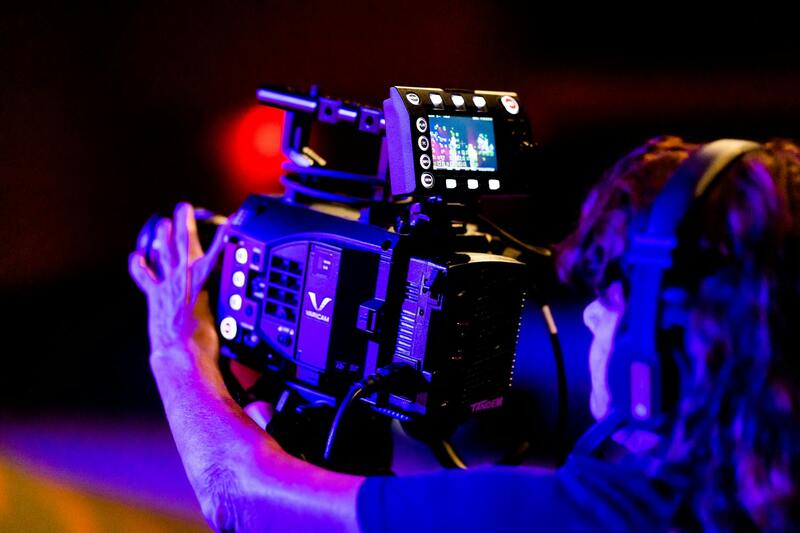
Why cropping wide footage often fails
Cropping a wide frame to vertical removes most of the image's width. What remains is a narrow column through the middle, which creates specific issues:
- Two people in a wide two-shot cannot both fit. You choose one, or you lose the relationship the shot was about.
- Resolution is spent. Cropping a wide frame to vertical discards a large share of the pixels, and if the source was not high enough resolution to begin with, the result softens.
- Composition breaks. A subject placed off-centre for a reason ends up at the edge of frame or outside it.
- Movement leaves frame. A pan that works across a wide frame swings the subject out of a narrow one.
- Text and graphics do not fit. Lower thirds designed for a wide frame overflow or overlap.
None of this means that cropping is wrong. It means that cropping is a technique with specific conditions, and those conditions must be established during the photo shoot rather than identified during the editing process.
Shooting so the crop works
A practical approach is to shoot with a wide angle but compose the shot with the final crop in mind. In practice:
- Turn on framing guides. Most cameras and monitors can overlay a vertical or square safe area. Use it, and keep the subject inside it on any shot destined for social.
- Centre subjects on shots that will be cropped. Off-centre composition is a luxury reserved for shots that stay wide.
- Shoot with resolution headroom. Capturing at a higher resolution than your delivery gives room to crop without softening. The resolution trade-offs are covered in the article on frame rate choices and its companions on capture settings.
- Keep the headroom tight. A vertical crop of a wide shot with generous headroom leaves the subject stranded low in frame.
- Favour static or slow movement on shots you intend to crop, since fast pans and whips do not survive reframing.
- Leave the edges clean. Anything you do not want appearing in a crop should be well outside the guide, not just outside the wide frame.
When to shoot the vertical separately
For hero shots, which matter for the campaign, capture a dedicated vertical shot. This requires just one additional shot in an already-lit setup, and it results in a properly composed frame rather than a rescued one.
This applies to: the main talking-head moment, the product reveal, the shot carrying the call to action, and anything with on-screen text. Leave the supporting b-roll to be cropped. Whether b-roll survives cropping well depends largely on composition, and the principles are covered in the piece on shooting b-roll that tells a story.
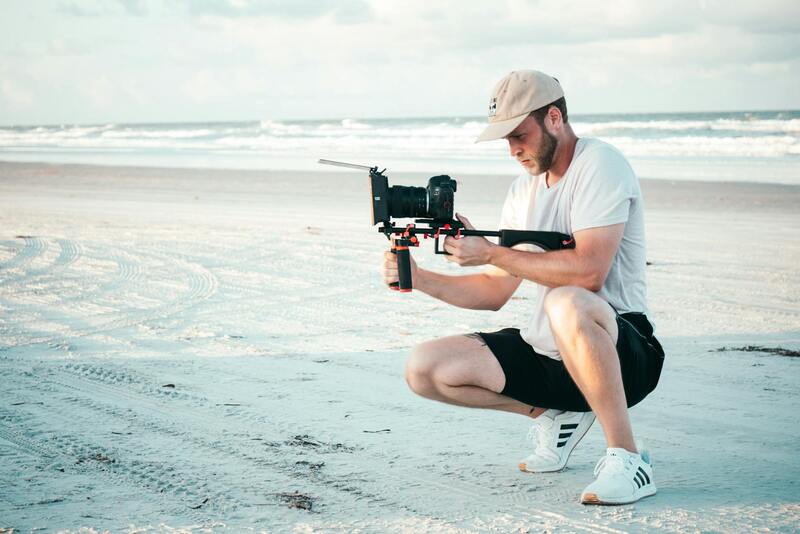
Graphics and text need to have their own separate versions.
This is where multi-format projects often fall apart late in the process. Elements like lower thirds, captions, logos, and end cards all need to be laid out according to the aspect ratio. When a wide layout is scaled into a vertical frame, it either becomes too small or gets cropped.
Plan for:
- Create separate graphic layouts for each aspect ratio, rather than scaling one layout in three different ways.
- Larger type in a vertical layout, as it is viewed on a phone held at arm's length.
- Captions are positioned to avoid overlapping with platform interface elements, which are located at the top and bottom of a vertical frame.
- Logos should be placed within a safe area that ensures compatibility across all versions.
- Burned-in captions are used for silent viewing, which is how most feed video is watched.
It's important to verify the interface-overlap point against current platform layouts, rather than making assumptions. This is because the areas covered by buttons and usernames can shift over time. Anything important placed in the bottom fifth of a vertical frame is particularly at risk.
Pacing is not the same across formats
A two-minute wide edit does not become a good vertical cut simply by trimming it to forty seconds. The formats are consumed differently: the wide version is often chosen deliberately and watched to the end, while the vertical format is typically encountered mid-scroll and has only a few seconds to earn attention.
That changes the structure. For the vertical version, the strongest moment should be at the start, rather than as a payoff. It should use shorter shots, and deliver the message before the point where most viewers typically leave. Plan the vertical version as its own distinct edit, constructed from the same material, rather than as a shortened copy.
Provide additional coverage that short-form content requires.
Short-form edits consume shots quickly. A forty-second vertical cut may use fifteen shots, while a two-minute wide edit uses twenty. Shooting a bit more coverage, particularly close details and short, punchy moments, costs little on the day and significantly improves the short-form versions.
Agree the deliverables before the shoot
All of this depends on knowing exactly what you are producing. The list should be finalized before the call sheet, covering aspect ratios, durations, and whether captions are burned in or supplied as files. Additionally, it should be determined whether clean versions without text are needed.
Requesting clean versions as standard is worth considering. They do not cost extra at delivery and make future versions, additional languages, and platform changes significantly cheaper, as recreating the edit would be far more expensive.
Planning multi-format work with us
We agree on the full deliverable list before the shoot and set framing guides on the monitors for every ratio needed. This ensures that composition is checked on set rather than hoped for during the edit. For hero shots, we dedicate a vertical take within the same setup, which takes only a few minutes rather than requiring a second shoot.
Graphics are designed according to specific ratios rather than being scaled. Text sizes are optimized for phone viewing, and captions are placed clearly, avoiding overlap with platform interface areas. Clean versions are provided alongside the finished cuts, ensuring that adding a new format later does not require reopening the project.
Tell us where the video will run and we will scope the shoot around those frames. More technique in the production blog, gear planning in the gear rental checklist, or get in touch through the contact page.
The short version
Cropping wide footage to vertical format results in a loss of width, resolution, and composition. Therefore, it's essential to plan for this on set. Use framing guides, center subjects on shots you will crop, capture with resolution headroom, and keep movement slow on those shots. For hero moments, shoot dedicated vertical takes. Additionally, build graphics per ratio rather than scaling them. Lastly, treat the vertical format as its own edit with its own pacing.
Settle the deliverable list before the call sheet. Every decision depends on knowing what frames you owe.